Open any well-designed planner spread and you’ll notice something easy to miss: not every sticker on the page is decoration. A tiny arrow redirecting a task to tomorrow, a checkbox, a mood-tracker icon — those are doing actual work, while the floral header above them is purely there to make the page pleasant to look at. Mixing up functional and decorative clipart is one of the most common mistakes in a homemade sticker shop, and it’s the reason this list is sorted by what each type of clipart actually does on the page, not just what it looks like.
Digital Sticker vs. Regular Clipart: A Distinction Worth Knowing
Not all clipart sold as “planner stickers” is actually built for digital use. A true digital sticker set is pre-cropped as individual transparent PNGs, ready to drag one-by-one into an app like GoodNotes or Notability. A “sticker sheet” graphic, by contrast, is a single flat image of many stickers arranged together — great for printing and cutting by hand, but something you’d have to crop yourself, piece by piece, before it works as an individual digital sticker. If you specifically want the drag-and-drop digital experience, check that the listing says “pre-cropped” or “individual PNGs,” not just “sticker sheet.”
Functional & Utility Stickers
These exist to communicate information at a glance, not to look pretty — the visual style matters less here than clarity and consistency.
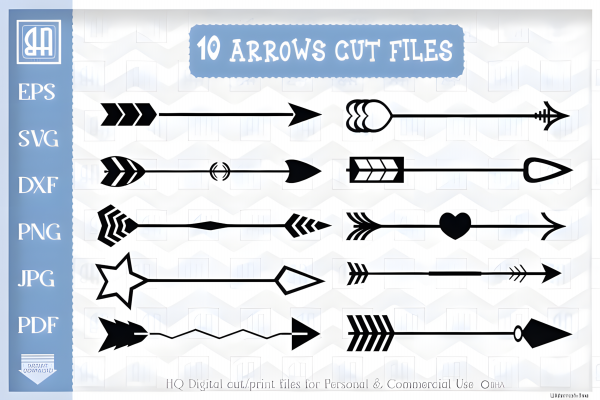
1. Minimal Checkbox & Arrow Set — simple checkboxes, arrows for moved tasks, and small flag icons in a single flat color.
2. Priority Flag Set — color-coded flags for marking high-priority items without needing to write “URGENT” repeatedly.
3. Digital Washi Divider Strips — thin, functional line dividers used to visually separate sections of a page without full decorative tape.
4. Tab & Bookmark Icon Set — small tab-style graphics for marking page sections, useful for navigation in a longer digital planner.
5. Simple Progress Bar Set — small fillable bar graphics for tracking progress toward a goal or project completion.
👉 See the full functional sticker set collection
Icon & Tracker Sets
Built around repeated daily or weekly tracking — the same handful of icons reused across many pages, so consistency matters more than variety within the set.
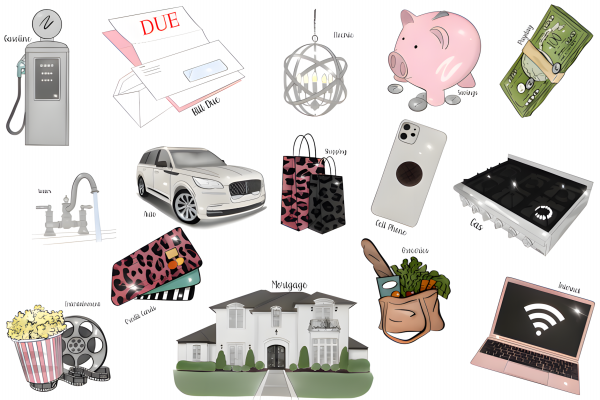
6. Mood Tracker Icon Set — a small range of facial expressions or color-coded icons for daily mood logging.
7. Habit Tracker Icon Set — simple icons (water drop, book, dumbbell) representing common habits people track daily.
8. Weather Icon Set — sun, rain, cloud, and snow icons for a simple daily weather log.
9. Water Intake Tracker Set — small, repeatable droplet or glass icons designed to be duplicated across a tracking grid.
10. Sleep & Wellness Icon Set — icons for sleep hours, medication reminders, or general wellness check-ins.
Decorative Headers & Banners
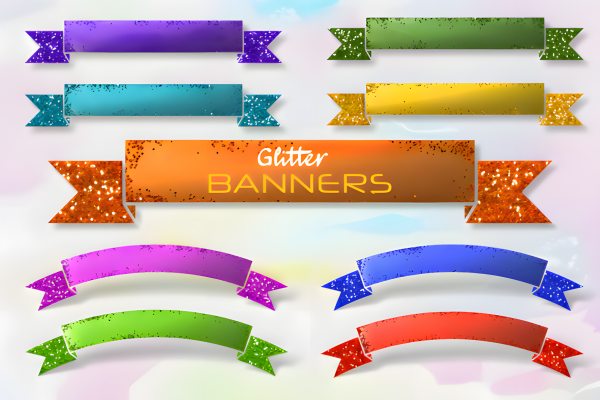
Purely visual, but still functional in a different sense — a good header signals “new section starts here” faster than plain text does.
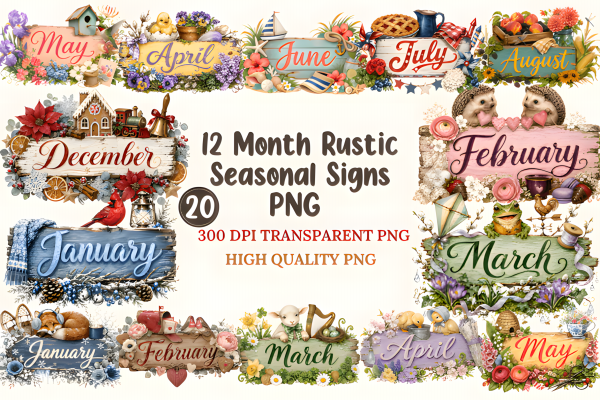
11. Botanical Month Banner Set — a floral header design for each month, sized to sit at the top of a monthly spread.
12. Minimalist Line-Art Banners — simple, single-line decorative headers for a cleaner, less busy planner style.
13. Retro Section Divider Set — bold, retro-styled banners for a planner going for a more playful visual tone.
14. Watercolor Header Bundle — soft, painterly banner graphics, popular for a more artistic planner aesthetic.
15. Boho Arch & Frame Set — decorative arch and frame shapes used to highlight a specific note or quote on the page.
Digital Washi Tape & Borders
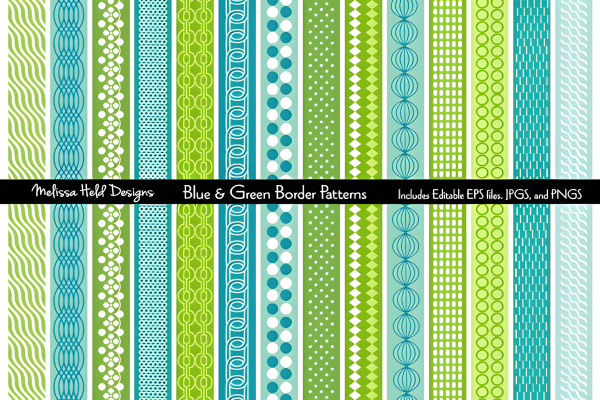
A category specific to digital planning — these replace the physical washi tape used in paper planners, purely decorative but genuinely useful for page structure.
16. Floral Digital Washi Set — repeatable, seamless floral tape strips sized for full-width page dividers.
17. Solid Color Washi Strip Pack — simple, flat-color tape strips useful as a neutral base layer under other decorative elements.
18. Polka Dot & Pattern Washi Set — playful pattern-based tape strips for a less minimal planner style.
19. Corner Border Frame Set — decorative corner accents used to frame a page without a full border running around it.
20. Seasonal Washi Bundle — a rotating set of tape designs matched to each season, useful for keeping a planner’s look current year-round.
Seasonal & Rotating Accent Stickers
Smaller, theme-specific clipart meant to be swapped in and out as the calendar changes, rather than used as a permanent planner element.
21. Fall Leaves & Pumpkin Accent Set — small seasonal graphics for autumn-themed planner pages.
22. Winter & Holiday Mini Icon Set — snowflakes, ornaments, and small gift icons for the winter months.
23. Spring Floral Accent Set — small flower and butterfly graphics for spring-themed spreads.
24. Summer Beach Accent Set — sun, wave, and beach-item icons for summer planning pages.
25. Birthday & Celebration Icon Set — balloons, confetti, and cake icons for marking birthdays and special occasions throughout the year.
Building a Cohesive Sticker Kit (Not Just a Pile of Cute Graphics)
With 25 categories to choose from, the easiest mistake is buying one of everything and ending up with a visually inconsistent planner. A more deliberate approach:
- Pick one decorative style and stick with it. Watercolor headers next to retro banners next to boho arches reads as cluttered, even if each individual set is nice on its own.
- Layer function first, decoration second. Add your checkboxes, trackers, and dividers before the decorative headers and washi — it’s easier to design around functional elements than to squeeze them in after the page already looks finished.
- Limit your seasonal rotation to a handful of accents, not a full re-theme every few weeks — swapping too much too often makes a planner feel inconsistent rather than fresh.
Individual Sets vs. a Full Sticker Library
If you’re just personalizing your own planner, buying one or two sets that match your style is the simpler option. If you’re building a shop selling digital or printable sticker kits, Creative Fabrica’s All Access subscription unlocks the full clipart and sticker library under one commercial license, which typically works out cheaper than buying functional, decorative, and seasonal sets separately.
👉 Explore the full planner sticker clipart library on Creative Fabrica
FAQ
What’s the difference between a “sticker sheet” and “pre-cropped digital stickers”? A sticker sheet is one flat image with multiple stickers arranged together, meant for printing and cutting — pre-cropped digital stickers are individual transparent PNGs, ready to drag into an app without any extra cropping.
Which apps work with digital planner stickers? Most transparent PNG stickers work in any annotation app that supports image import, including GoodNotes, Notability, and Noteshelf — check the specific app’s import process if you’re new to digital planning.
Can I sell printed sticker sheets made from clipart I bought? Only if the specific set’s license explicitly covers commercial or POD use — check the individual listing, since license terms can vary even within the same shop’s other clipart sets.
How many sticker sets does a personal digital planner actually need? Often just two or three — one functional set (checkboxes, trackers), one decorative header style, and one seasonal accent set covers most spreads without becoming visually inconsistent.
Why do my digital stickers look pixelated when I resize them larger? PNG-based clipart has a fixed resolution, so scaling significantly beyond its original size will visibly blur — starting with a higher-resolution file gives you more flexibility to resize without quality loss.
Bottom Line
The best planner sticker collection isn’t the biggest one — it’s the one where function and decoration are balanced deliberately, rather than picked purely because a set looked cute in the preview. Start with the trackers and utility marks your planning style actually needs, then layer in one consistent decorative style on top, and rotate in seasonal accents a few times a year rather than constantly re-theming the whole thing.
Related read: our guide to 20 best digital planner templates for small business owners pairs well with this list if you’re building out a full digital planner rather than just decorating an existing one.
👉 Browse the full planner sticker & clipart library on Creative Fabrica →